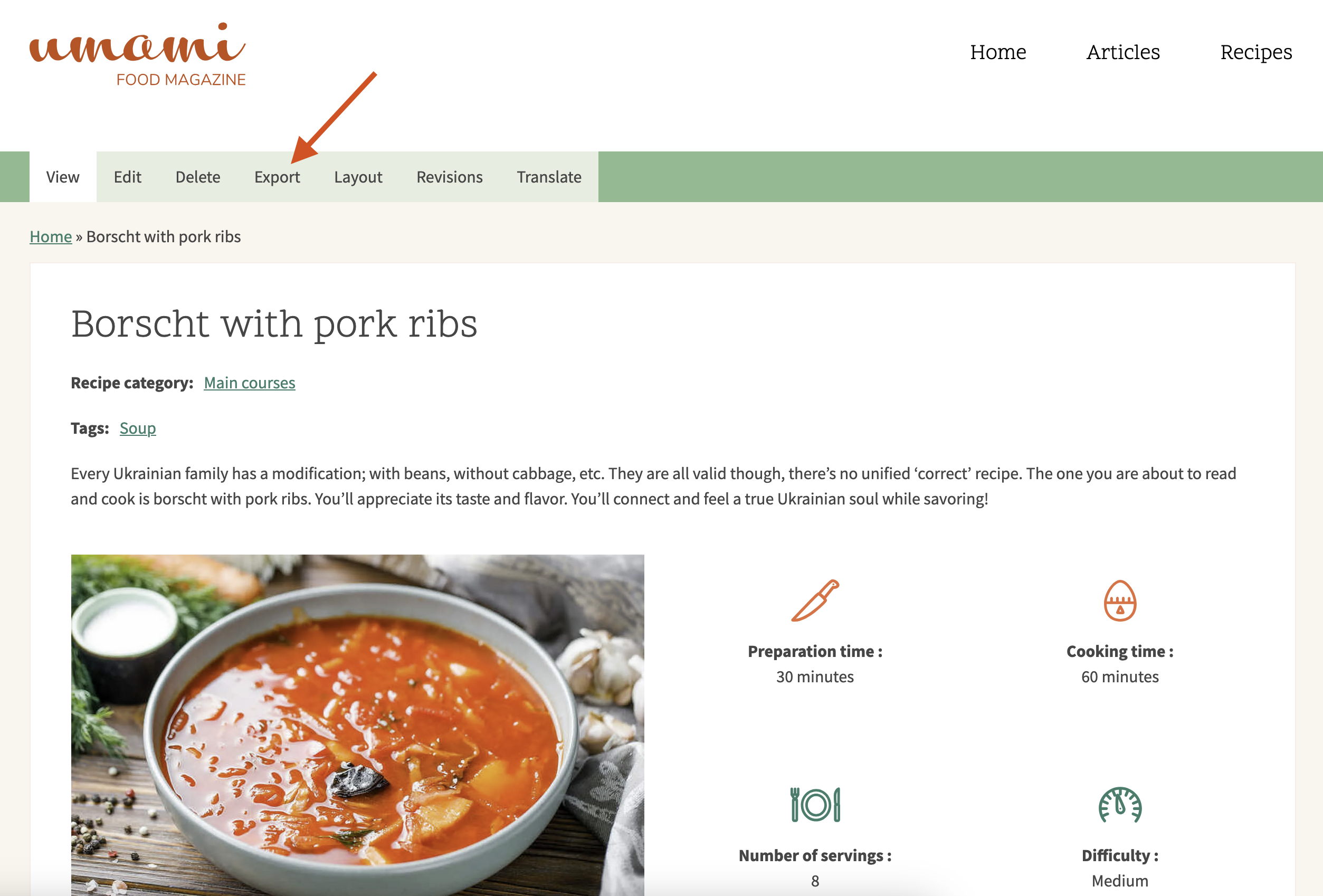
In order to export your content item, click the “Export” option in its menu. The “Export” option is situated next to the traditional “Edit,” “Delete,” and "Revisions" options.
After clicking “Export,” you immediately get a YAML code snippet that is super easy to copy to another environment or website (provided the Single Content Sync module is enabled there as well).
On the targeted environment or website (if the Single Content Sync module is enabled there as well), you can go to the Content > Import content tab and simply paste the code you have just copied while doing the export. Click the “Import” button. The content is checked by UUID, so existing content is updated, and new content is created.
With the Single Content Sync module installed, you are instantly ready to export your content — no further configuration is required. Every allowed entity now has an “Export” option (tab and entity operation link), and the content overview has an "Export content" bulk action for getting the YAML code in a file or ZIP archive.
The Single Content Sync module offers a unique and super easy way to export any content (node, taxonomy, media, users, blocks, paragraphs, and etc.) and further im
The Single Content Sync module's overview and guidelines for using it to export content.
The Single Content Sync module in Drupal provides an easy way to export content or entities of other types with the possibility to further import them to another environment or website, even if it has a totally different structure. The module’s capabilities include exporting entity references (including custom entity types), translations, and content of custom field types. It can be useful for migration and deployment processes, lost content recovery, and debugging.