
Setting up the Release Version module
Last updated on
29 May 2024
The Release Version module places the current version number of a website project in the toolbar.
The setup of the Release Version module is a two-step process.
- Setting the environment variable
- Configuring the module
First you should set the variable so it is available in your PHP environment. If you are using an automated deployment workflow, you might want to automatically set the variable there.
Then visit /admin/config/release_version/settings and enter the name of your variable in the config form.
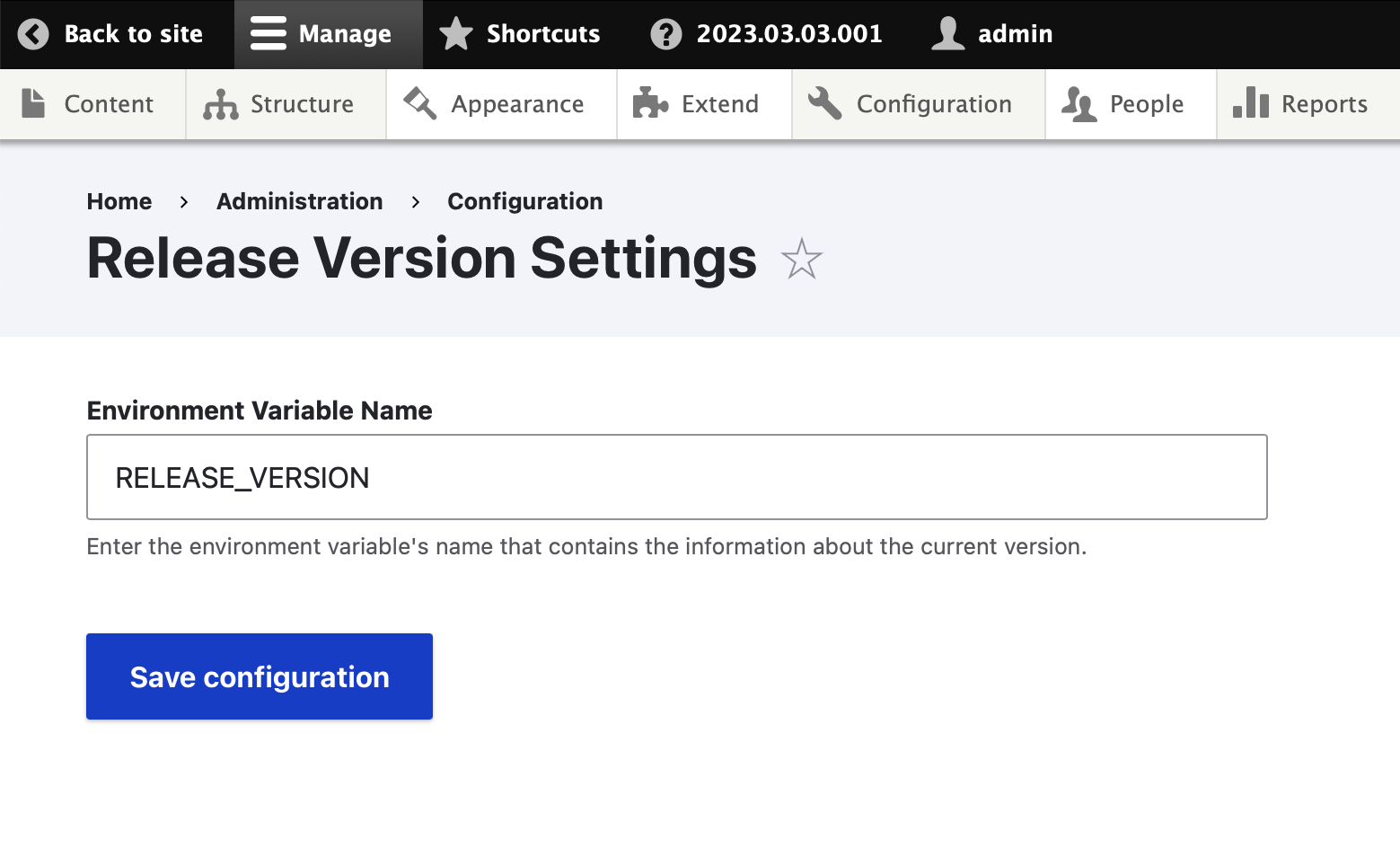
After saving the config, the value of your version variable should appear in the toolbar.

Help improve this page
Page status: No known problems
You can:
You can:
- Log in, click Edit, and edit this page
- Log in, click Discuss, update the Page status value, and suggest an improvement
- Log in and create a Documentation issue with your suggestion
