
On this page
Configure global settings
You can adjust general module settings at /admin/structure/registration-settings. If you want registration related emails to be sent as HTML, you need to visit this page. Most sites can use the default value for the other global settings.
Email handling
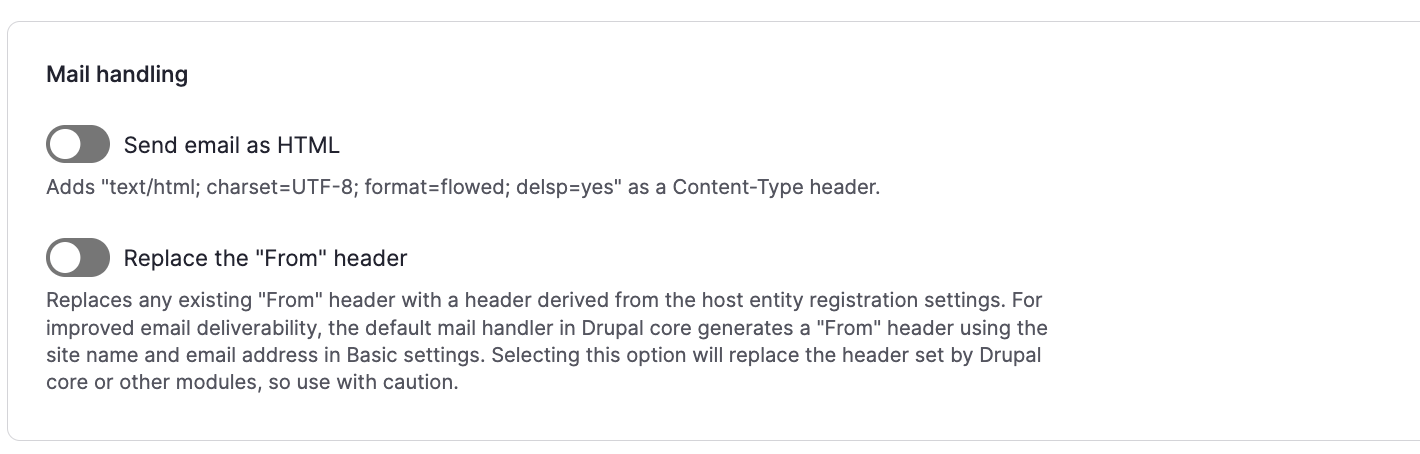
Most sites should enable the Send email as HTML option.
Configuring the "From address" for emails
The Registration module includes a "from address" in the registration settings for each entity configured for registration. This allows your registration related emails to be sent from a different address depending on the entity the user registers for. However this can negatively impact email deliverability if the address is not using the same domain as your website.
The recommended configuration is to set a default "from address" on your Registration field that matches the site email, and then hide the "from address" on the registration settings form at /admin/structure/registration-settings/form-display. Keep the "Replace the From header" box unchecked on the admin settings form at /admin/structure/registration-settings. Ensure your site email in Basic settings at /admin/config/system/site-information uses the same domain as your website. In this configuration, the "from address" is unused and all registration related emails will be sent from the same address, derived from the site name and email, which is best for email deliverability.
Note that if you choose a different configuration and the "from address" is used when sending email, it can optionally include a full header and not just a simple email address. For example, it can contain "My site <mail@example.org>" instead of just "mail@example.org". When a simple email address is entered, the site name in Basic settings will be added to the "from address" to create the "From:" mailbox header.
Help improve this page
You can:
- Log in, click Edit, and edit this page
- Log in, click Discuss, update the Page status value, and suggest an improvement
- Log in and create a Documentation issue with your suggestion
